

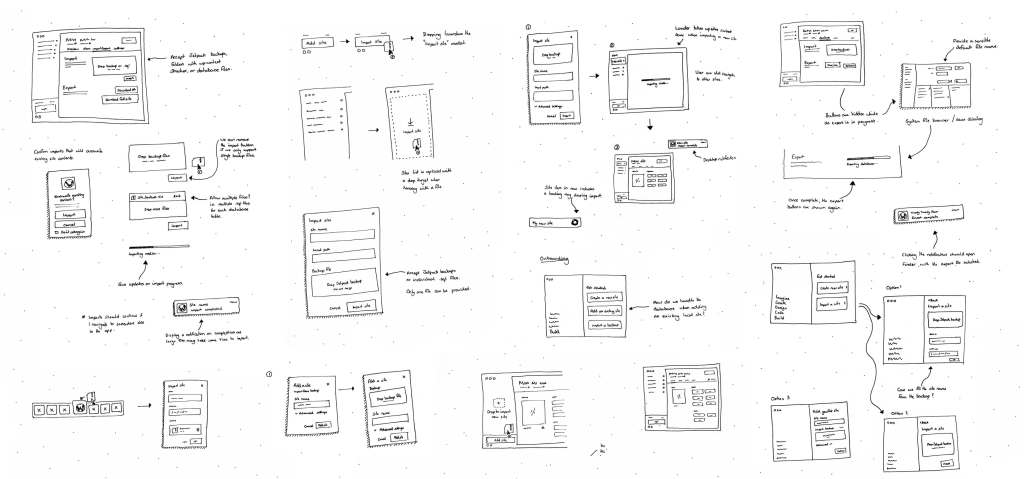
Sketching is one of the most effective tools for exploring and communicating new ideas, especially in the early stages of a project. While design tools like Figma make it easy to assemble polished mockups using a design system, high fidelity can sometimes work against you—making ideas feel too refined, and limiting open-ended feedback. Sketching, on the other hand, invites collaboration. A rough, hand-drawn sketch feels more flexible, encourages broader discussion, and often leads to new and unexpected ideas. Here’s how I use sketching to communicate design ideas when working on products at Automattic.
My process for sketching ideas
Pen & paper are my go-to tools for sketching. There are a ton of great wireframing tools and digital sketching apps out there too, but I prefer the simplicity of analog for a few reasons:
- It’s really fast to try different ideas.
- I often think more clearly away from a screen.
- Design software tempts me into the details instead of focusing on the big picture.
- I use sketchbooks, which are fun to look back through from time to time.
Use pen, not pencil. Pencil is erasable,which will tempt you into perfecting things. Pen is permanent. You have to commit and move forward. If a sketch really isn’t working out, you can just start again. Seeing the evolution of an idea through multiple sketches is quite satisfying.
It’s easy to get drawn (no pun intended) into laying down too much detail in sketches. If you find yourself falling into that trap, try sketching with a broad-tipped marker. It will force you to stay more focused on an overall concept.
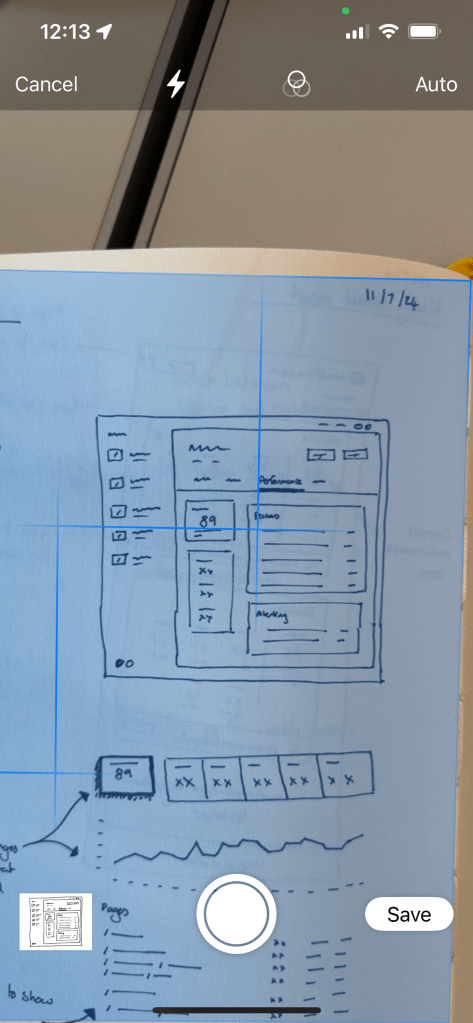
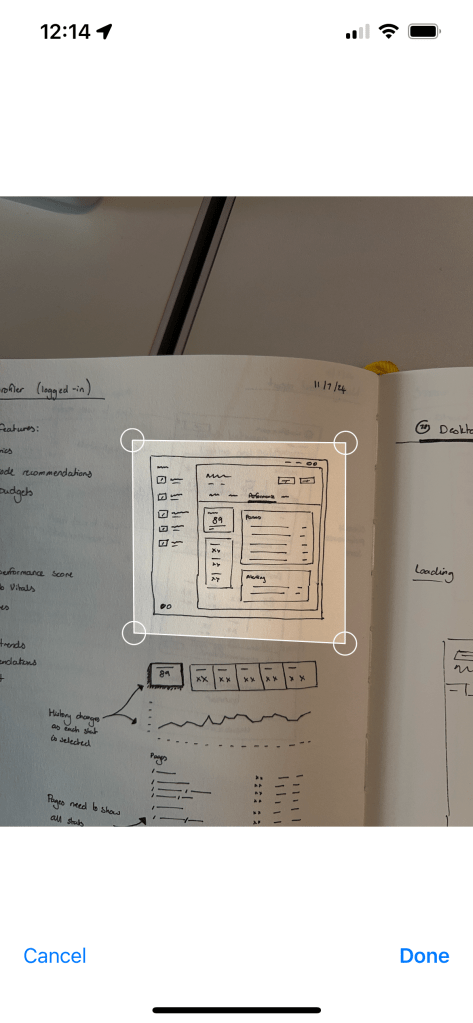
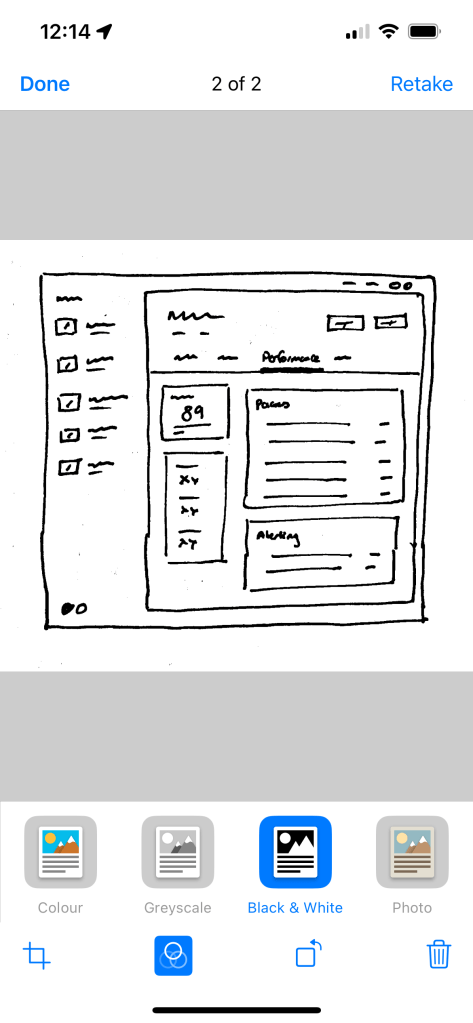
Once I’m done sketching an idea, I’ll take a photo of it with my phone, crop it, and apply a Black & White filter to remove noise from the paper. The Files app on iPhone has a built-in document scanner that’s handy for this, as does the Google Drive app. There are many other scanner apps out there too.
Sketching for communication, not for art
These sketches shouldn’t be highly-polished, photorealistic representations of what the final product will look like. A sketch should communicate the key aspects of an idea in the simplest form possible.
Here are some things to consider as you sketch:
- Focus on the key elements of an idea.
- Use simple shapes and wavy lines to represent UI elements like text, images, icons, or buttons.
- Only use words where they are key to the idea you’re communicating.
- Annotate things you want to draw attention to, or behaviors that are difficult to communicate visually.
- Don’t get hung up on layout or copy. There’s plenty of time to evolve these as designs become more high-fidelity.
- Don’t worry about drawing straight lines or perfect circles.
- Use multiple sketches to communicate flows.
- Sketching isn’t just for UI. Use stick people, speech bubbles, and annotations to communicate other aspects of the user experience.
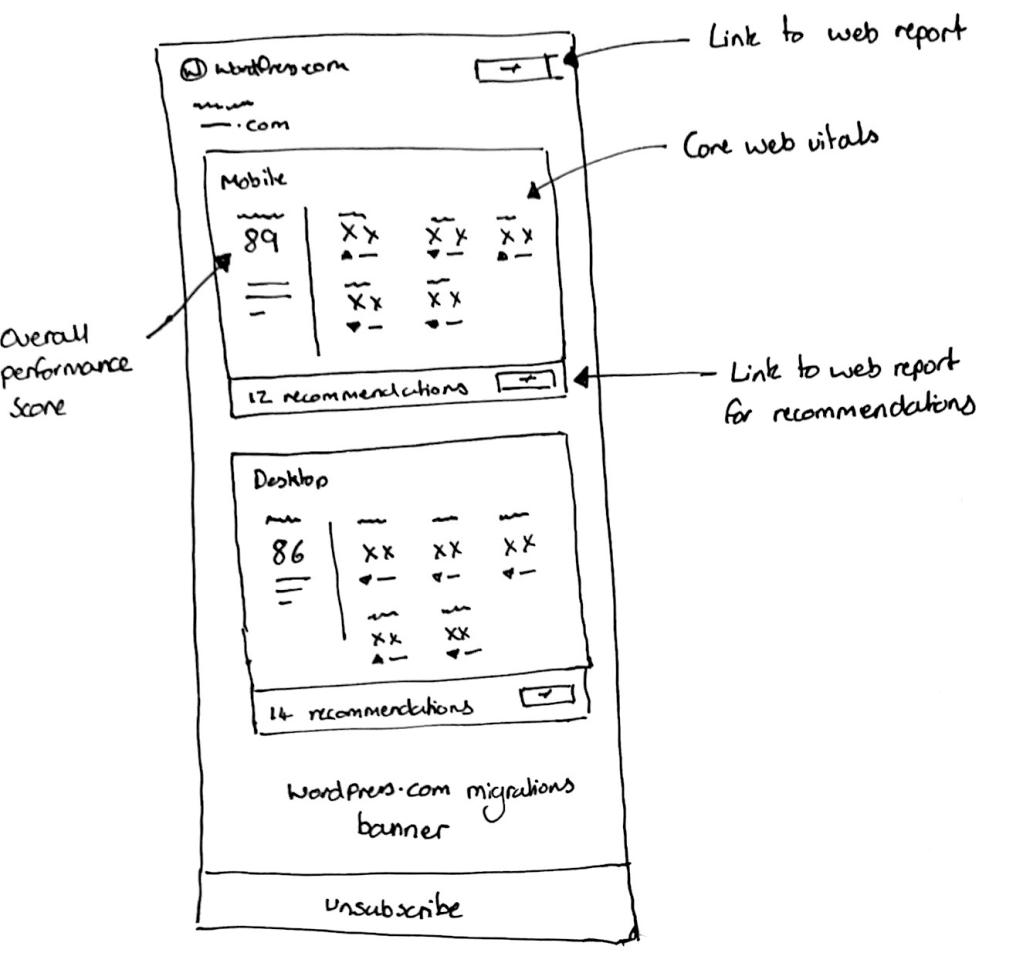
Below are a couple examples from my sketchbook of recent projects I’ve worked on. These won’t be winning any awards for artistic ability, but they effectively communicated the ideas I wanted to explore.

Over to you…
Sketching isn’t about perfection—it’s about thinking through ideas and making them easier to share. Whether you’re mapping out a new feature, brainstorming with a team, or just clarifying your own thoughts, sketching is a powerful tool for communication. The more you do it, the more natural it becomes.
Hopefully, these tips help you feel confident picking up a pen and sketching your next idea. I’d love to hear about your process—how do you use sketching in your work?


 Automattic Design