


Last year, a talented friend of mine who works as a fashion stylist approached me with concerns about her Squarespace portfolio website. She expressed frustration with the platform, finding the theme she had installed a little limited for her needs and not as intuitive as she needed for frequent updates. As a busy professional, she wanted a platform that offered ease of use without compromising on design. Being familiar with WordPress, I knew we could create a very similar-looking website, so I suggested we migrate to the platform.
Squarespace had served her well initially, offering beautiful templates and a straightforward setup process. However, as her portfolio grew and her needs became more specific, Squarespace’s limitations became apparent. She needed a platform that allowed for greater flexibility, customization, and ease of editing.
Migrating to WordPress.com
While migrating the actual content of the website was relatively straightforward, transferring the domain proved to be the most cumbersome part of the process. Domains can often be tricky, especially when dealing with DNS settings and ensuring minimal downtime. We started by backing up all the content from Squarespace, which included her extensive portfolio of images.
Once we had all the content backed up, we set up a brand new, free WordPress account for her. The platform’s installation process is user-friendly, and within minutes, we had the core system up and running. We then upgraded to the “Beginner” subscription to move her domain to WordPress.com. The next big task was to replicate the look and feel she loved so much, taking advantage of WordPress.com’s superior customization options.
Designing a new website
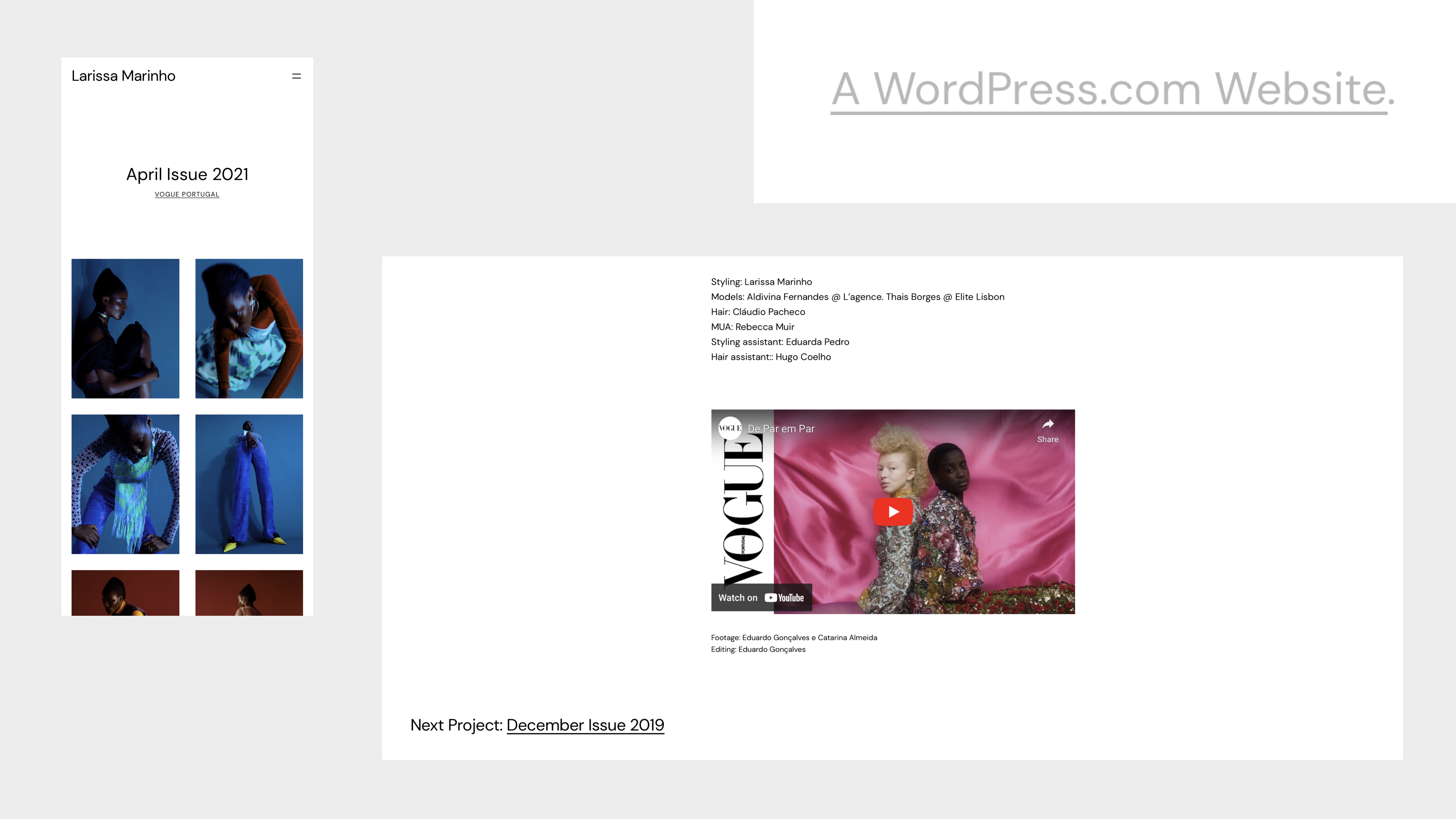
My friend desired a similar design aesthetic to her original site, featuring a simple, modern font and a clean, responsive layout that showcased her work effectively. At the time, we chose “Blockbase,” a versatile WordPress theme that allowed for significant customization without needing to delve too deeply into coding.
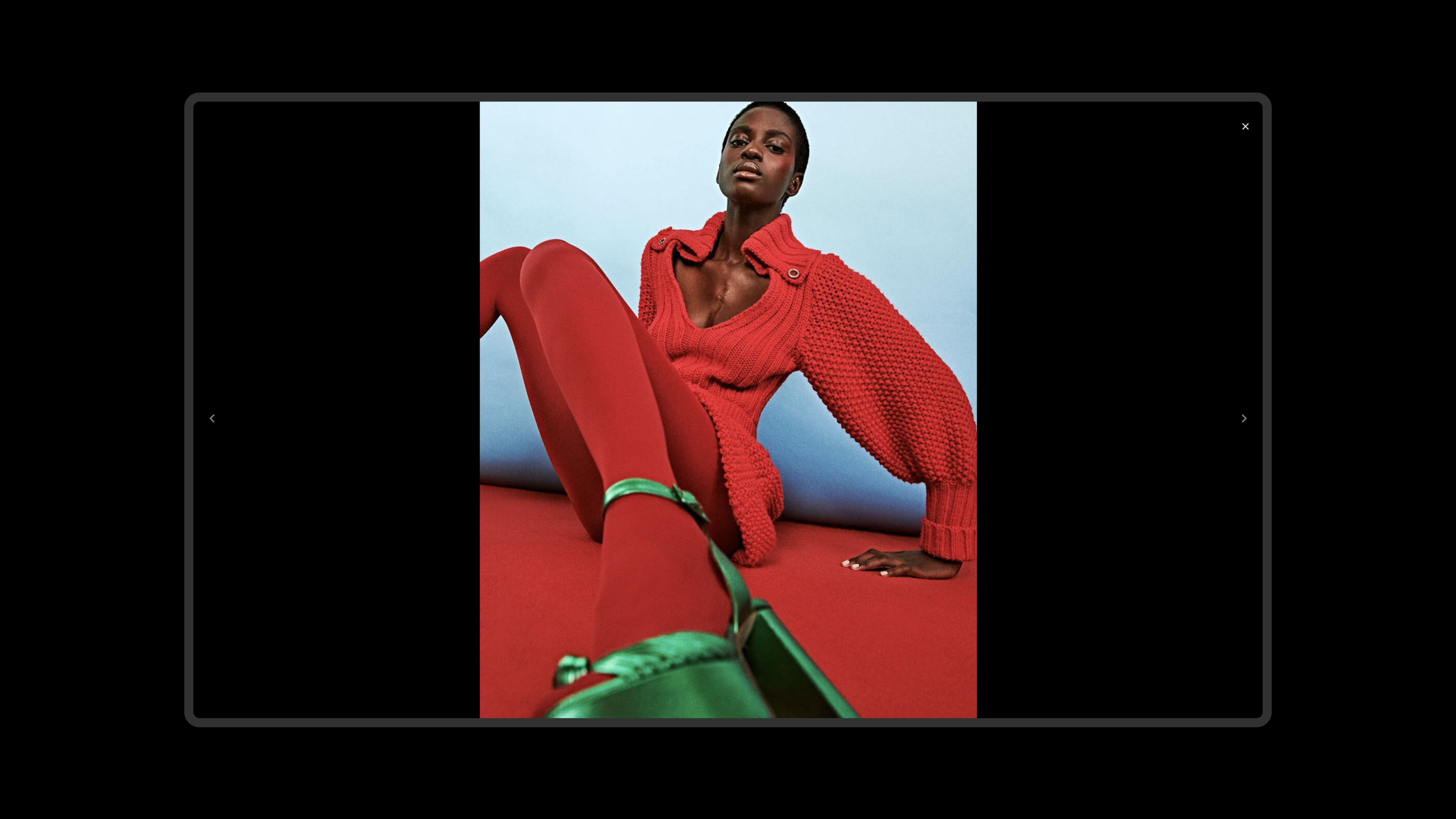
Using only Gutenberg—WordPress’s block editor—and very little custom CSS, we were able to achieve a great design, with tailored project layouts, gallery layouts, and archive templates specific to her needs, showcasing her beautiful styling projects.
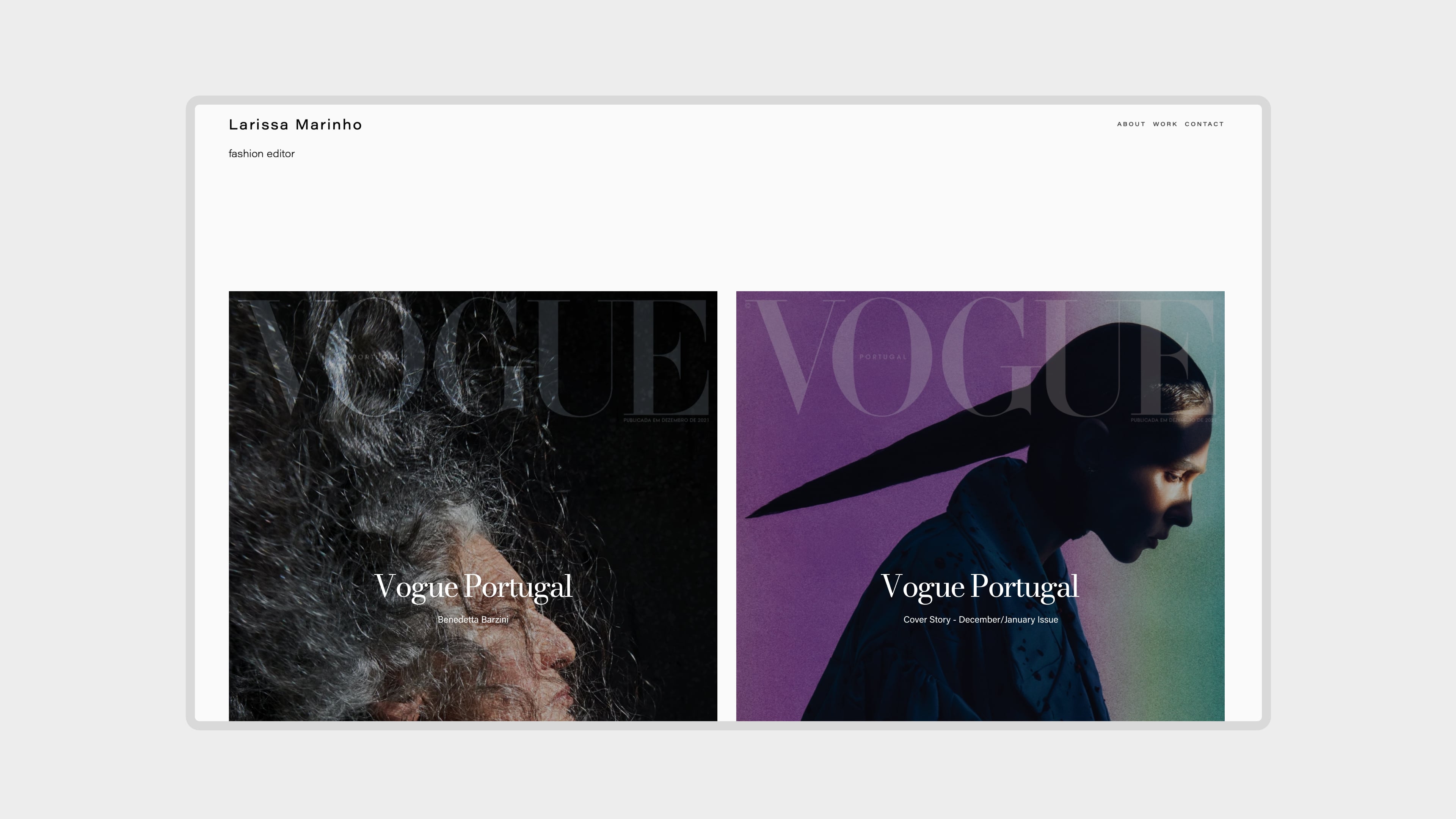
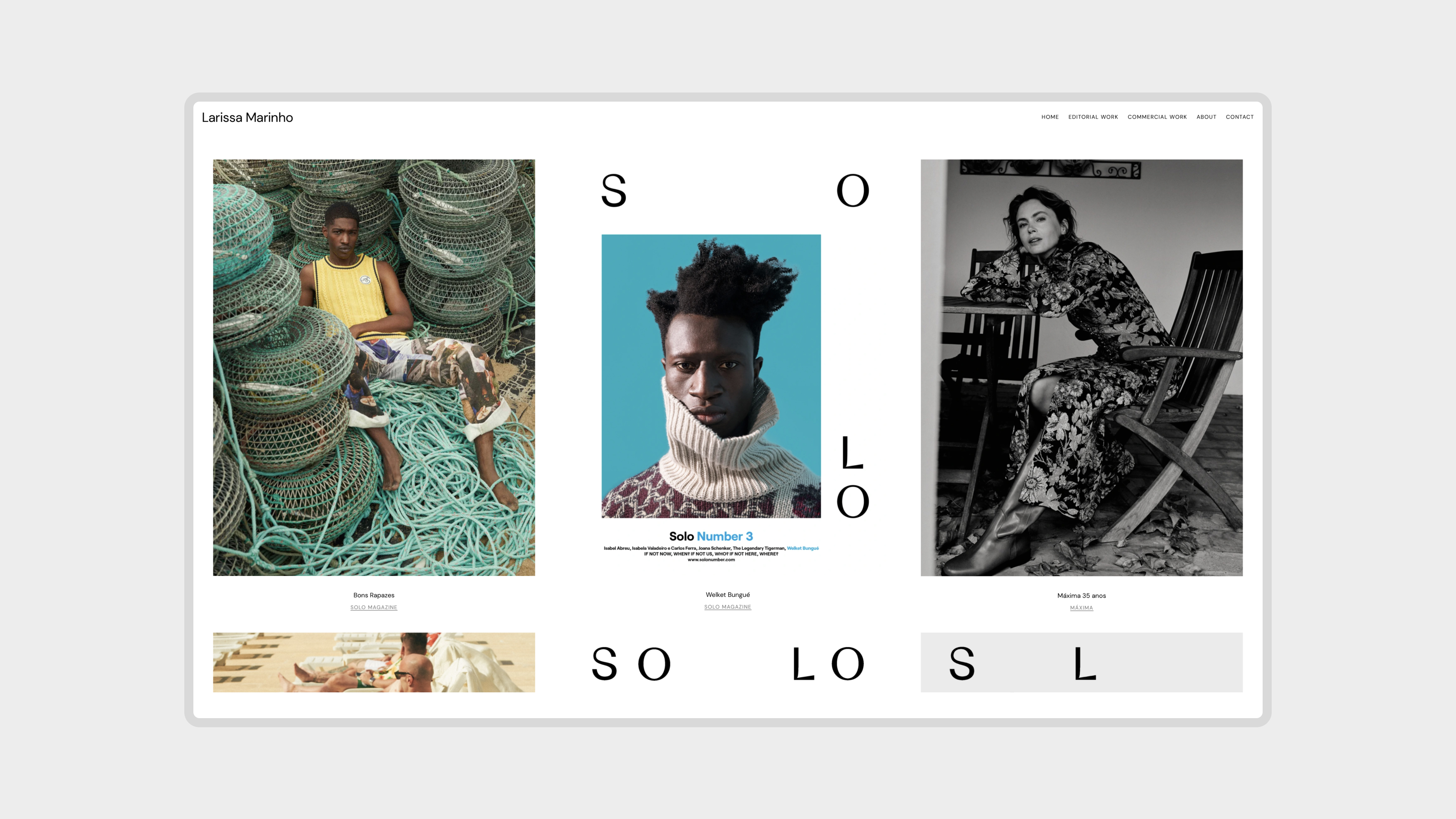
To give a short example, the ability to create and attribute a custom template to a specific post category was incredibly helpful, as she wanted to showcase two project areas in a different way.
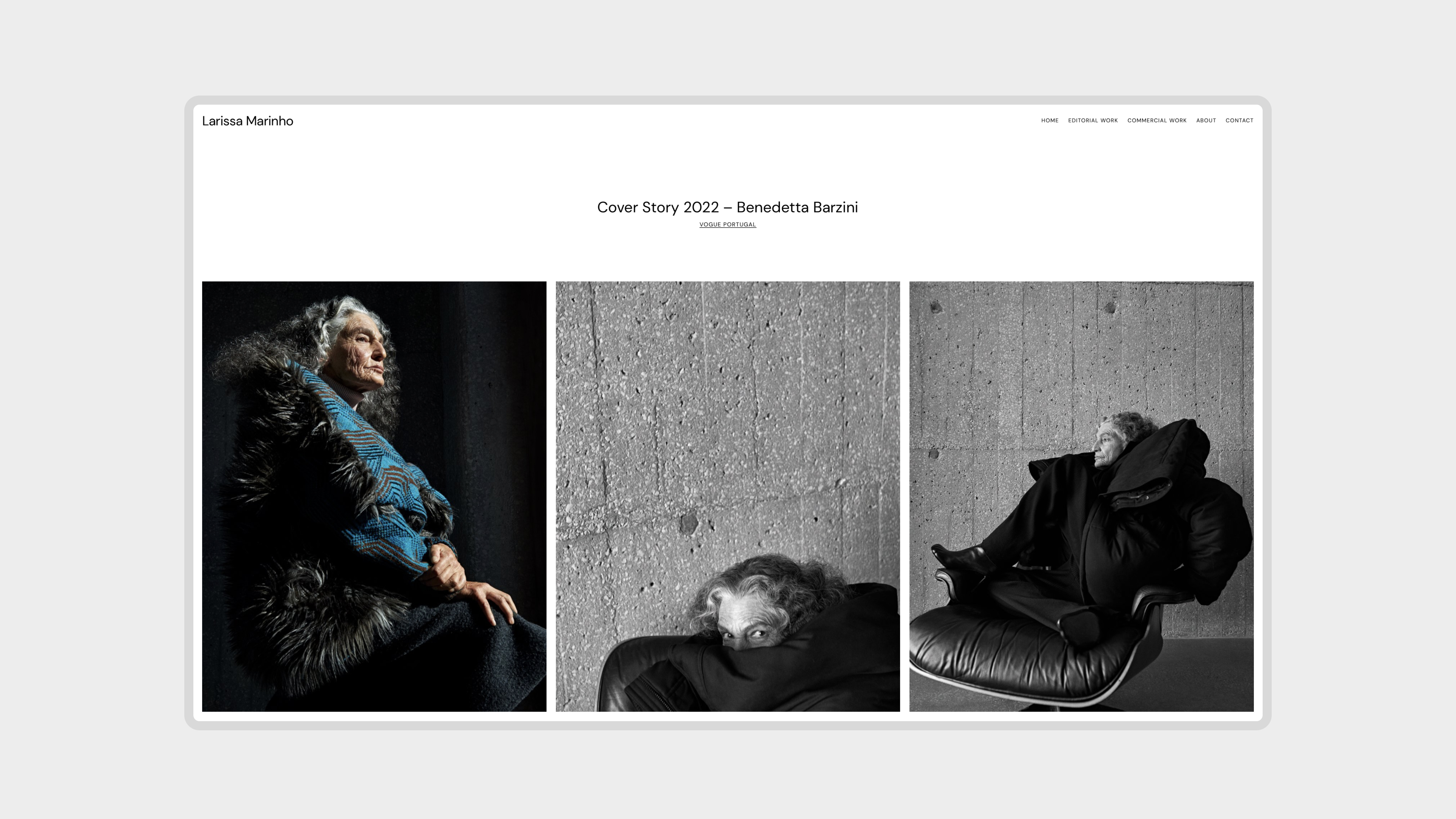
A positive balance
One of the most significant benefits of migrating to WordPress was the newfound ease of editing and updating her site. The WordPress dashboard, along with the powerful Gutenberg editor, made it simple for her to add new content and update her portfolio projects without needing my constant assistance.
Additionally, WordPress offers unparalleled scalability. As her business grows, she can easily add new functionalities. The extensive library of plugins means she’s never limited by the platform’s capabilities. Luckily, with the regular addition of new features and block editor capabilities, my friend is able to stay on top of it and improve her portfolio even more.
As a designer, helping with this transition was a rewarding experience. Despite the initial challenges with the domain transfer (which WordPress.com Support helped with) the end result was a website that not only matched her design preferences but also offered greater flexibility and ease of use.


 Automattic Design